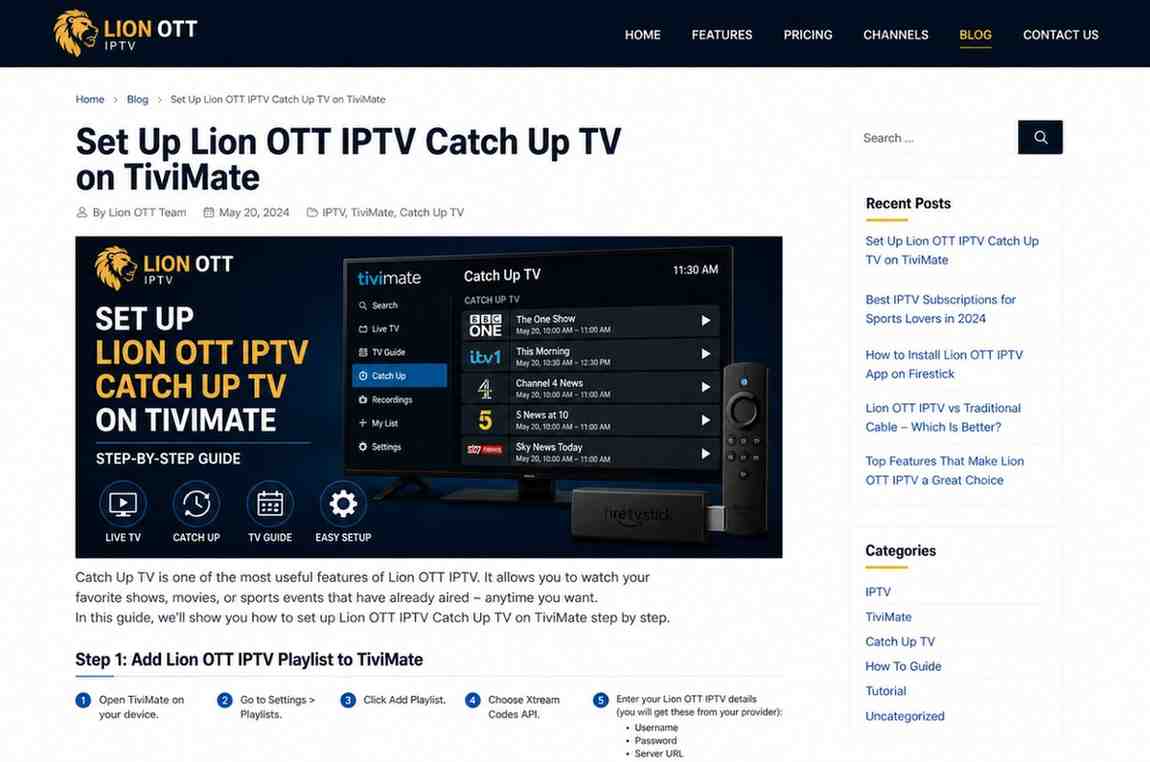
Lion OTT IPTV Catch Up Setup Guide for TiviMate Users
If you’ve ever missed your favorite show and wished you could rewind live TV like a YouTube video, Lion OTT IPTV Catch Up is exactly what you need. And when you combine TiviMate with Lion OTT IPTV, you unlock one of the most powerful IPTV viewing experiences available today.
But here’s the thing—catch-up TV doesn’t just “work” automatically. It depends on proper setup, correct settings, and whether your IPTV provider supports it.
In this guide, we’ll walk through everything step by step so you can set up Lion OTT IPTV Catch Up on TiviMate without confusion.
What Is Catch-Up TV in IPTV?
Catch-up TV allows you to watch previously aired programs from live TV channels. Instead of being limited to what’s currently on, you can go back hours—or even days—depending on your provider.
What You Can Do with Catch-Up:
- Replay missed shows
- Pause and rewind live channels
- Watch programs from earlier in the day
- Skip forward or backward in content
With Lion OTT IPTV Catch Up, this feature becomes even more useful if your provider offers multi-day archives.
Does Lion OTT IPTV Support Catch-Up?
Before setting anything up, you need to confirm one thing:
Does your Lion OTT IPTV subscription include catch-up support?
Not all IPTV services provide it. Even if you’re using the right app, catch-up won’t work unless your provider enables it.
How to Check:
- Look for a clock icon next to channels
- Try scrolling back in the EPG
- Contact your provider if unsure
If catch-up is supported, you’re ready to move forward.
Why Use TiviMate for Catch-Up?
TiviMate is widely considered the best IPTV player for advanced features like catch-up.
Key Advantages:
- Smooth timeline navigation
- Easy rewind and playback
- Clean EPG interface
- Fast loading even with large playlists
For Lion OTT IPTV Catch Up, TiviMate provides one of the most seamless experiences available.
What You Need Before Setup
Make sure you have:
- A Firestick, Android TV, or compatible device
- TiviMate installed (premium version recommended)
- Lion OTT IPTV login details (Xtream Codes or M3U)
- Stable internet connection
Step 1: Install and Open TiviMate
If you haven’t installed it yet:
- Download TiviMate from a trusted source
- Open the app
- Allow necessary permissions
Step 2: Add Your Lion OTT IPTV Playlist
Catch-up works best with Xtream Codes login.
Steps:
- Go to Settings
- Select Playlists
- Click Add Playlist
- Choose Xtream Codes Login
- Enter:
- Username
- Password
- Server URL
Once added, channels will load automatically.
Step 3: Enable Catch-Up in Settings
Now we activate catch-up features.
- Go to Settings
- Select Playback
- Enable Catch-up options
- Adjust buffer size if needed
This step ensures TiviMate can access archived content.
Step 4: Configure EPG Properly
Catch-up relies heavily on EPG data.
Steps:
- Go to Settings
- Select EPG
- Add or confirm EPG URL
- Refresh EPG
Without a working guide, catch-up won’t function correctly.
Step 5: Test Catch-Up TV
Now comes the important part—testing.
How to Test:
- Open a channel
- Press the guide (EPG)
- Scroll back in time
- Select a past program
- Click play
If everything is set correctly, the program should start instantly.
How to Use Catch-Up Like a Pro
Once enabled, here’s how to get the most out of it:
Pause and Resume
Pause live TV and continue later without missing anything.
Rewind Programs
Go back to the beginning of a show—even if it started hours ago.
Fast Forward
Skip ads or unwanted parts easily.
Common Problems and Fixes
Even with the right setup, issues can happen.
Catch-Up Not Working
Possible Causes:
- Provider doesn’t support it
- Playlist missing catch-up data
Fix:
- Confirm with provider
- Re-add playlist
EPG Not Showing Past Programs
Fix:
- Refresh EPG
- Check EPG URL
- Restart TiviMate
Playback Errors
Fix:
- Change media decoder
- Use external player
- Check internet speed
TiviMate Free vs Premium for Catch-Up
Free Version:
- Limited features
- Basic playback
Premium Version:
- Full catch-up support
- Better controls
- Recording options
For Lion OTT IPTV Catch Up, premium is highly recommended.
Tips for Best Performance
Want a smoother experience? Follow these:
- Use a fast internet connection
- Keep TiviMate updated
- Restart device regularly
- Avoid overloaded playlists
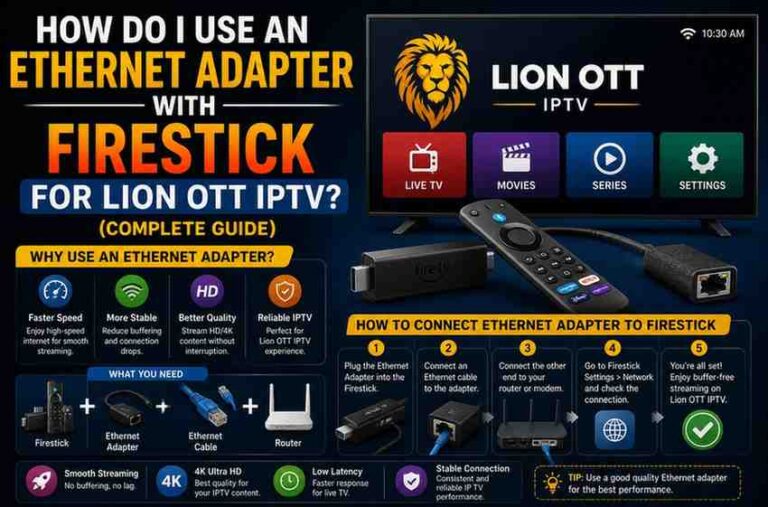
- Use Ethernet instead of Wi-Fi (if possible)
Firestick Users: Special Tips
If you’re using Firestick:
- Use TiviMate Premium
- Clear cache regularly
- Avoid running too many apps
- Choose lightweight settings
Is Catch-Up Worth It?
Absolutely.
Instead of planning your day around TV schedules, you watch what you want, when you want. That’s the real power of IPTV.
With Lion OTT IPTV Catch Up, you’re not just watching TV—you’re controlling it.
Final Thoughts
Setting up catch-up TV on TiviMate with Lion OTT IPTV might seem technical at first, but once it’s done, the experience is incredibly smooth.
The key things to remember:
- Make sure your provider supports catch-up
- Use Xtream Codes for best results
- Keep your EPG updated
- Use TiviMate Premium for full features
Once everything is in place, you’ll never worry about missing your favorite shows again.