
Lion OTT Premium IPTV – Installation Guide
The Lion OTT Premium IPTV Installation Guide makes it easy for people to set up the service on their Android TVs, Firestick, Smart TVs, Roku, MAG, Enigma, iOS, Windows, and other devices. This makes sure that everything goes smoothly.
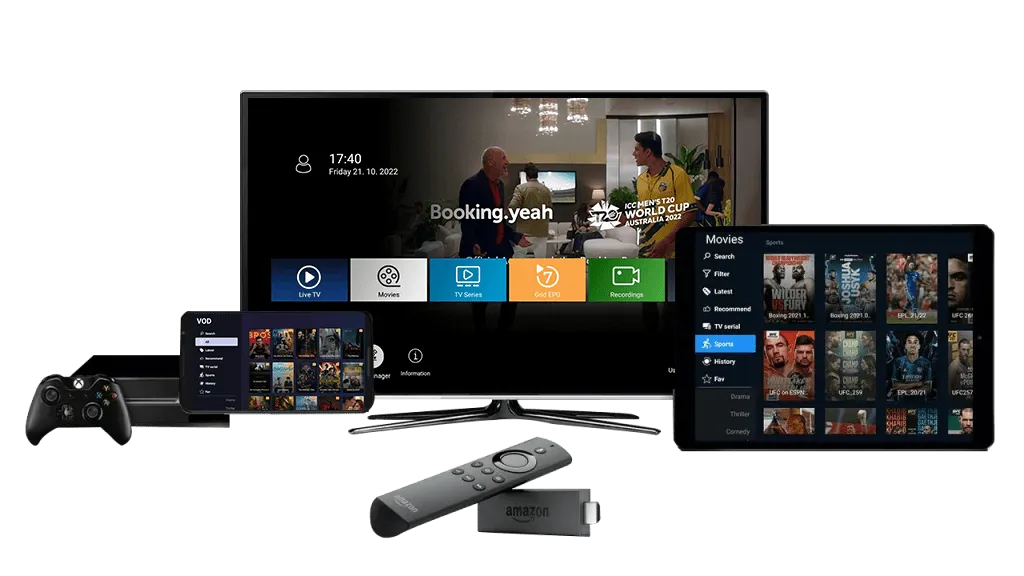

Setting Up LionOTT Premium IPTV On Compatible Devices
Next, we’ll show you how to use LionOTT Premium IPTV on each of the devices we just talked about, step by step.
We recommend that you use the LionOTT Premium IPTV server official app on Android-supported devices like Android Boxes, Smart TVs, and Firestick. You can download it from the link below.
Just copy and paste the link into any browser or downloader, and it will download the LionOTT Premium IPTV App. If anyone is having trouble downloading through the link. Using Downloader makes it easy to download apps.
- To do that, just open the Play Store or App Store on your Firestick and look for Aftvnews downloader.
- Open Aftvnews Downloader after you download it and enter the Lion OTT IPTV downloader code 150797. It will start to download the file.
- You need a Lion OTT IPTV username and password to watch Live Channels and Movies after you download the Lion OTT IPTV App.
- Please get in touch with us for a Lion OTT IPTV free trial and to see our subscription plans.
- We suggest Smarters Player Lite and Ibo Player for using Lion OTT Premium IPTV on iOS devices like the iPhone, iPad, MacBook, and Apple TVs.
- Download any one of the app
- Get your login information from WhatsApp and start using Lion OTT Premium IPTV.
We don’t have our official app for WebOS yet, so you can’t use Lion OTT Premium IPTV on Samsung and LG Smart TVs. We suggest using the Ibo player app to watch Lion OTT.
- To get Ibo player, just go to the app store, search for “Ibo player,” and download it.
- Open the Ibo player and write down the Mac address and device key.
- Give this key to our WhatsApp Support and they will add a playlist to your Ibo player.
- Look at the Subscription plans and pick one that works for you to keep using our service.
To find IPTV Player or IPTV Smarters Player for Windows, go to the Windows app Store. You can get login information from the Lion OTT IPTV WhatsApp Support team if you download any of the apps.
We suggest using IPTV Player to watch IPTV on Roku TVs. You can find and download it from the Roku app Store.
Why To Choose Our 4K IPTV Service?
You can make secure payments, get instant activation, and get help from customer service 24 hours a day, seven days a week to make streaming go smoothly.
Serveurs Stables
25k Live Channels
Replay inclus
FULL HD / 4K qualities
Exclusive Prices
24/7 support
Frequently Asked Questions (FAQs)
Your Question Not Found Here? or You want to Report a Problem? Contact Us Directly to get Answers.
Customer Support
Stay In Touch With LionOTT Premium IPTV
If you encounter any issues with payment gateways or entering login details on your device, please reach out to us via WhatsApp for prompt assistance.
+447490360062


Our dedicated support team is available around the clock. Please feel free to contact us at your convenience for prompt issue resolution and a seamless experience.