Install Lion OTT IPTV on Firestick (Easy Guide 2026)
Streaming devices have completely changed how people enjoy entertainment, and the Amazon Fire TV Stick is one of the most popular options available today. While it offers access to thousands of apps, some IPTV services—like Lion OTT IPTV—aren’t listed in the Amazon App Store. That’s why many users search for how to install Lion OTT IPTV on Firestick to access their favorite live channels and on-demand content.
That’s where sideloading comes in.
you’ll learn exactly how to install Lion OTT IPTV on Firestick step by step, along with setup tips, troubleshooting advice, and performance optimization. Whether you are an experienced user, this guide will walk you through everything you need to know.
What is Lion OTT IPTV?
Lion OTT IPTV is an IPTV streaming application that allows users to reach live TV channels, movies, series, and on-demand content through an internet connection. Instead of depending on traditional cable or satellite services, IPTV delivers content using your broadband connection.
Most IPTV apps, including Lion OTT IPTV, require:
- A subscription from an IPTV provider
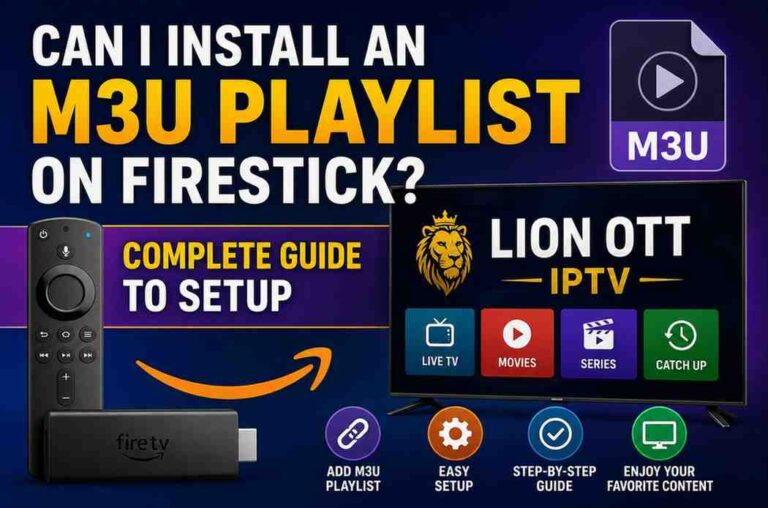
- Login credentials (M3U playlist or Xtream Codes API)
Why Install Lion OTT IPTV on Firestick?
The Amazon Fire TV Stick is an ideal platform for IPTV streaming due to its portability, ease of use, and affordability.
Key Benefits :
- Easy plug-and-play setup
- Access to thousands of streaming apps
- Supports sideloading third-party apps
- Smooth HD and 4K streaming (depending on model)
- Compact and travel-friendly
What is Sideloading?
Sideloading refers to installing apps from outside the official app store. Since Lion OTT IPTV isn’t available on Amazon’s Appstore, you’ll need to install it manually using an APK file.
Is It Safe to Sideload Apps?
Yes, sideloading is safe—as long as you follow best practices.
Safety Tips:
- Only download APK files from trusted sources
- Avoid modified or pirated versions
- Keep your Firestick updated
- Consider using a VPN for privacy
Requirements Before Installation
Before you begin, make sure you have:
- A Firestick connected to your TV
- Stable internet connection (at least 10 Mbps recommended)
- IPTV subscription credentials
- The Downloader app installed
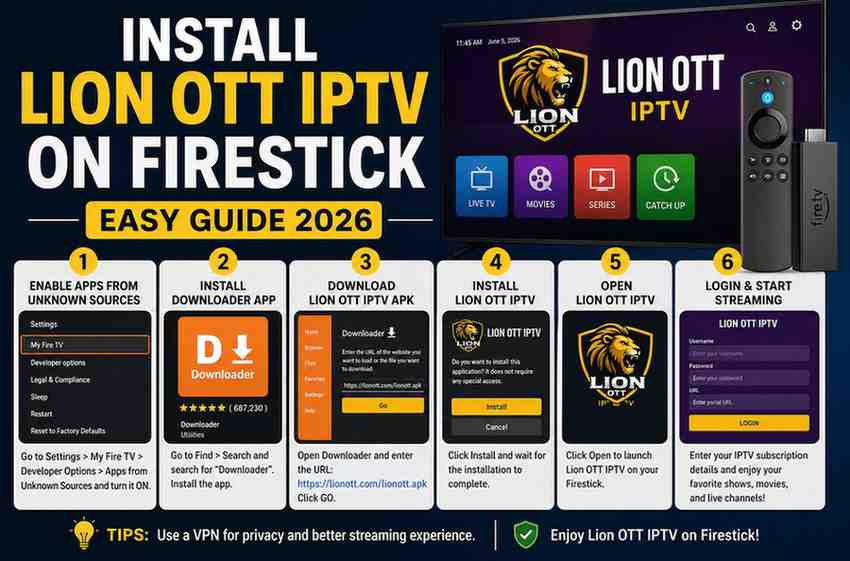
Step 1: Enable Developer Options
Firestick blocks third-party installations by default. You need to enable developer settings.
Follow these steps:
- Go to Settings on your Firestick
- Select My Fire TV
- Click About
- Highlight your Fire TV device name
- Press the select button 7 times
- You’ll see a message: “You are now a developer”
- Go back to Developer Options
- Turn ON:
- ADB Debugging
- Apps from Unknown Sources
Step 2: Install Downloader App
To install Lion OTT IPTV, you need a tool to download APK files.
Steps:
- Go to the home screen
- Select Find → Search
- Type Downloader
- Install the app
The Downloader app is widely used and makes sideloading simple.
Step 3: Configure Downloader
Before downloading:
- Open Downloader
- Allow permissions when prompted
- Enable JavaScript (optional but recommended):
- Go to Settings inside Downloader
- Check Enable JavaScript
Step 4: Download Lion OTT IPTV APK
Now you’re ready to download the app.
Steps:
- Open Downloader
- Enter the APK URL provided by your IPTV provider
- Click Go
- Wait for the download to finish
Always double-check the URL to avoid malicious files.
Step 5: Install the APK
Once the file is downloaded:
- The installation screen will appear
- Click Install
- Wait for installation to complete
- Click Done or Open
Step 6: Delete the APK File
To save storage space:
- Click Delete after installation
- Confirm deletion
This helps keep your device clean and efficient.
Step 7: Launch the App
To open Lion OTT IPTV:
- Go to Your Apps & Channels
- Scroll to find the app
- Open it
You can also move it to the front for quick access.
Step 8: Set Up IPTV Credentials
When you open the app, you’ll need to log in.
Common login methods:
1. M3U Playlist URL
- Paste your playlist link
- Click Load or Login
2. Xtream Codes API
- Username
- Password
- Server URL
Make sure you enter the details exactly as provided.
Features of Lion OTT IPTV
Once installed, you can enjoy various features:
1. Live TV Channels
Watch global and local channels in real time.
2. Video on Demand (VOD)
Access movies and TV shows anytime.
3. Electronic Program Guide (EPG)
See what’s currently playing and upcoming schedules.
4. Favorites
Bookmark your favorite channels for quick access.
5. Multi-Screen Support
Some versions allow watching multiple streams simultaneously.
Tips to Improve Streaming Performance
1. Use High-Speed Internet
- Minimum: 10 Mbps
- Recommended: 20+ Mbps for HD/4K
2. Use Wired Connection (Optional)
An Ethernet adapter can provide more stable speeds.
3. Clear Cache Regularly
- Go to Settings → Applications → Manage Installed Apps
- Select the IPTV app
- Click Clear Cache
4. Restart Your Firestick
Restarting occasionally improves performance.
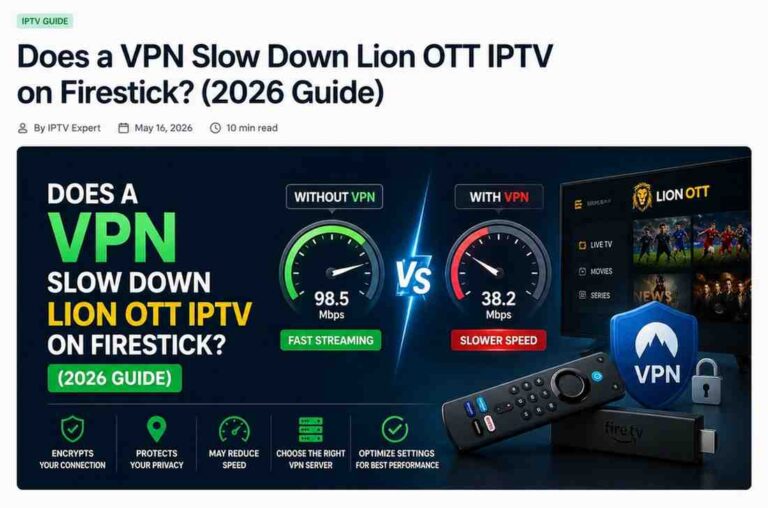
5. Use a VPN
A VPN can:
- Prevent ISP throttling
- Enhance privacy
- Unlock geo-restricted content
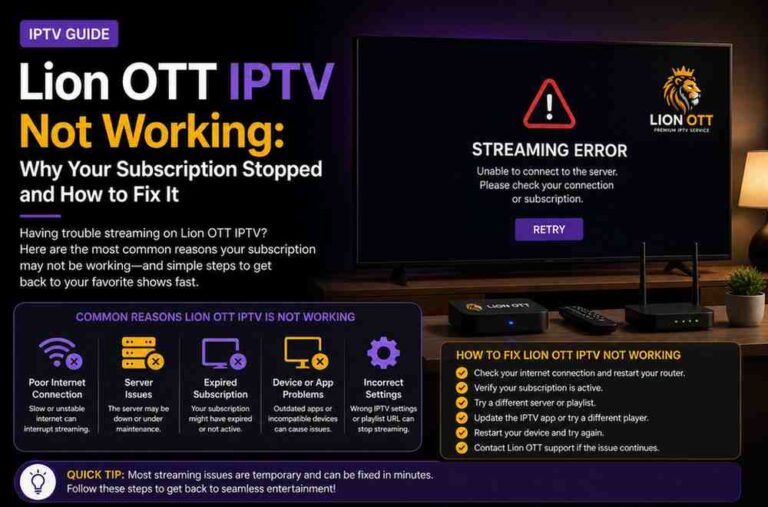
Common Issues and Fixes
App Not Installing
Solution:
- Ensure unknown sources are enabled
- Restart Firestick
Download Failed
Solution:
- Check internet connection
- Verify APK URL
App Crashing
Solution:
- Clear cache
- Reinstall app
- Update Firestick
Buffering Problems
Solution:
- Reduce video quality
- Check IPTV server status
- Restart router
Legal Considerations
IPTV apps are legal, but the legality of the content depends on your provider.
Always:
- Use licensed IPTV services
- Follow local regulations
- Avoid unauthorized streams
Advantages of Using Firestick for IPTV
The Amazon Fire TV Stick stands out due to:
- Affordable pricing
- Easy installation process
- Wide compatibility with IPTV apps
- Regular software updates
- Portable design
Alternative Apps You Can Consider
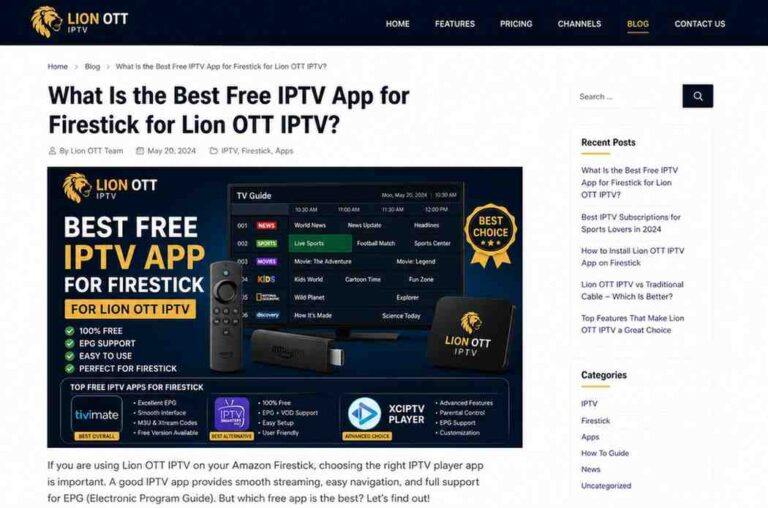
If Lion OTT IPTV doesn’t meet your needs, you can explore alternatives such as:
- IPTV Smarters
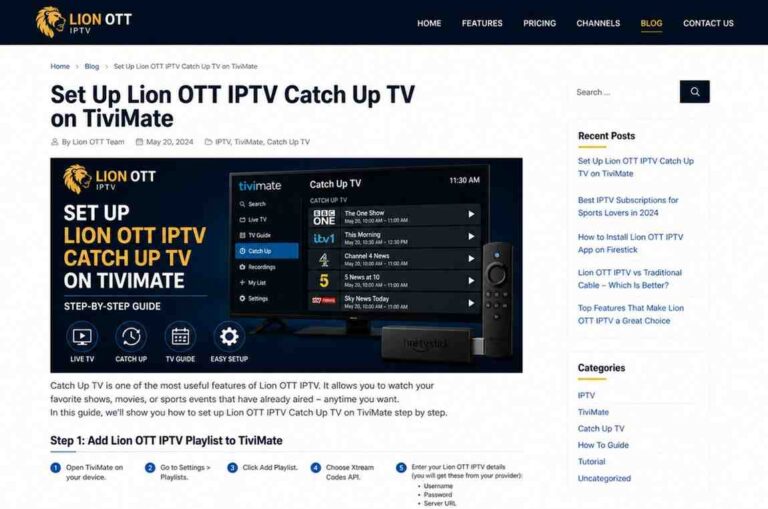
- TiviMate
- XCIPTV
These apps offer similar functionality with different interfaces.
Frequently Asked Questions
Can I install Lion OTT IPTV without Downloader?
Yes, but it’s more complicated. Downloader is the easiest method.
Is Lion OTT IPTV free?
No, it typically requires a subscription from an IPTV provider.
Can I use it on multiple devices?
That depends on your IPTV provider’s subscription plan.
Why is my stream buffering?
It could be due to slow internet, server issues, or device performance.
Final Thoughts
Installing Lion OTT IPTV on Firestick may seem complicated at first, but once you understand the process, it becomes very straightforward. By enabling developer options, using the Downloader app, and installing the APK file, you can unlock a powerful streaming experience.
The Amazon Fire TV Stick is one of the best devices for IPTV, offering flexibility, portability, and excellent performance. With the right setup and a reliable IPTV provider, you can enjoy seamless entertainment anytime.